Google Meet AI Note Taker
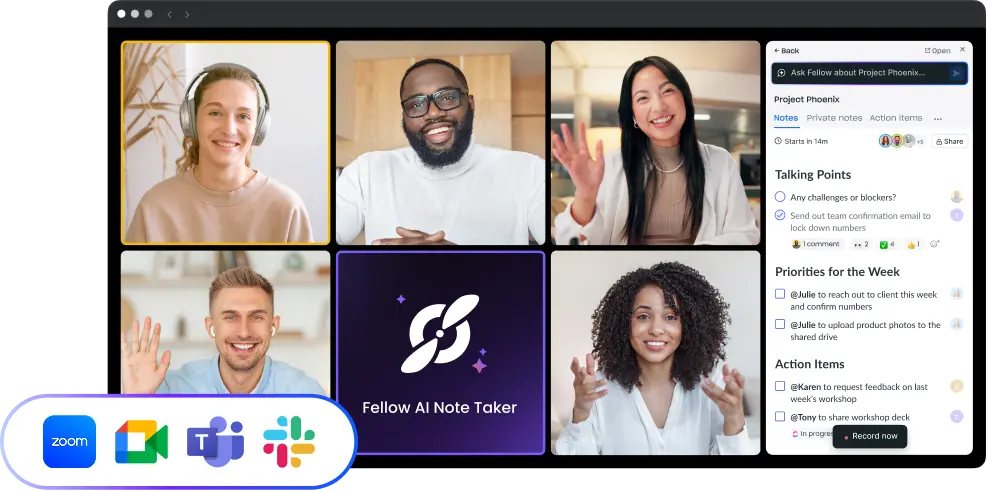
Fellow records, transcribes, and summarizes your Google Meet calls automatically, with or without a meeting bot. Fellow captures the conversation, assigns action items to the people responsible for them, and syncs action items to 50+ tools.
Fellow AI note taker for Google Meet
Google Meet includes a note-taker powered by Gemini, available to Google Workspace Business Standard subscribers and above. It generates a meeting summary and saves it to Google Docs at the end of the call.
Fellow records the same meeting and generates a full verbatim transcript alongside the summary. Rather than a flat list of takeaways, action items are attributed to the person who agreed to them by name, with the surrounding context from the conversation preserved. The output syncs to the tools your team uses outside Google: HubSpot, Salesforce, Jira, Asana, Notion, Slack, and more than 50 others.
The other difference is platform coverage. Google Meet's Gemini note-taker works only in Google Meet. If your team runs calls on Zoom or Microsoft Teams as well, Fellow covers all three platforms under one account, with the same transcript format and action item structure across every call.
Record Google Meet calls with or without a bot
Most AI note-takers join the meeting as a visible participant. They show up in the attendee list, need to be admitted by the host, and are visible to everyone on the call. That works for most internal meetings. For client calls, investor calls, or executive meetings where an extra participant raises questions, it's a problem.
Fellow gives you two options.
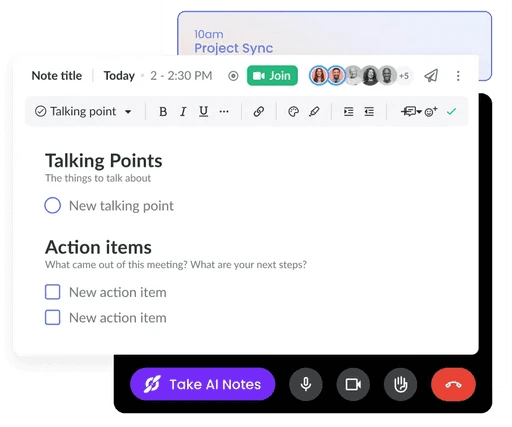
The Chrome extension runs a sidebar inside Google Meet during the call. The agenda, attendee list, and live notes appear inside the meeting window without a separate participant joining. A meeting bot is also available and can join as a standard participant to record and transcribe, the same way it works in Zoom and Teams.
For situations where no bot should enter the meeting, Fellow's botless recording records directly from your device. Attendees see nothing extra in the participant list. The transcript and summary generate the same way and are delivered to your Fellow workspace as soon as the call ends.
What happens after the Google Meet call ends
When the meeting ends, Fellow delivers three things: a structured meeting summary organized by topic, a full verbatim transcript with speaker labels, and a list of action items with the name of the person who owns each one.
From there, the meeting output moves to wherever your team works. Call notes log automatically to HubSpot or Salesforce contact records. Meeting insights are accessible from Claude, ChatGPT, and Copilot Cowork. Tasks push to Jira or Asana. Summaries post to Slack channels. Teammates who missed the meeting get the same context as everyone who attended, without a follow-up email.
Recordings and transcripts are stored in Fellow and are never used to train third-party AI models. Admins control retention periods, access permissions, and recording rules by team or by meeting type. Fellow is SOC 2 Type II certified, HIPAA compliant, and GDPR compliant, which makes it one of the few AI note-takers that meets the requirements for regulated industries including financial services, healthcare, and legal.

Works where your teams work
Keep your meeting workflow synced with 50+ Fellow integrations