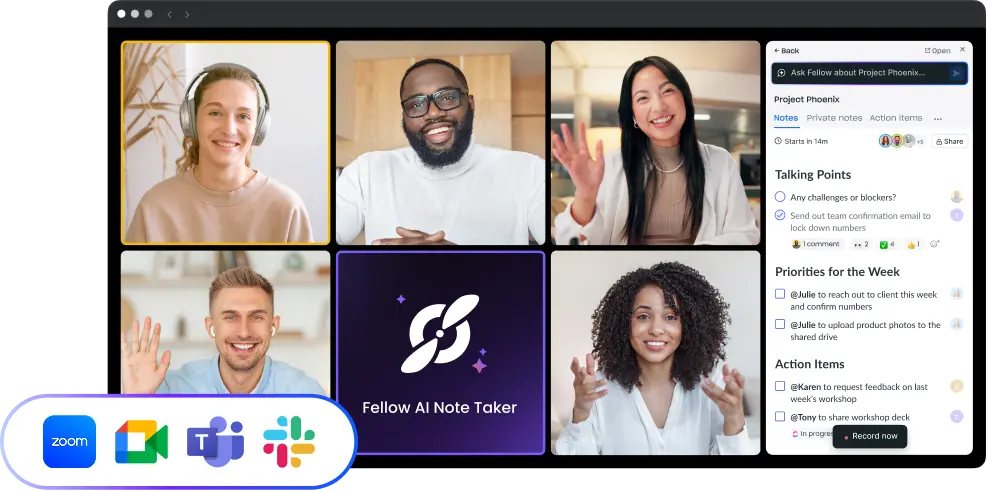
Fellow customer logo

Loom

Make meeting agendas, notes, and recaps more dynamic and engaging by allowing users to easily embed video content.

Overview

With the Loom integration, videos that explain concepts, walk through designs, or recap meetings can be recorded and embedded inside Fellow notes, adding a richer layer of context than text alone.

How it works

In any note, click the video icon or use the slash command /Record a video to launch Loom, capture your screen or webcam, and insert the recording automatically when you’re done. Colleagues can watch the clip inline without leaving the agenda.

Benefits

Visual explanations cut back-and-forth and clarify complex ideas. Post-meeting recaps capture tone and nuance, making decisions and next steps unmistakable even for teammates who couldn’t attend live.

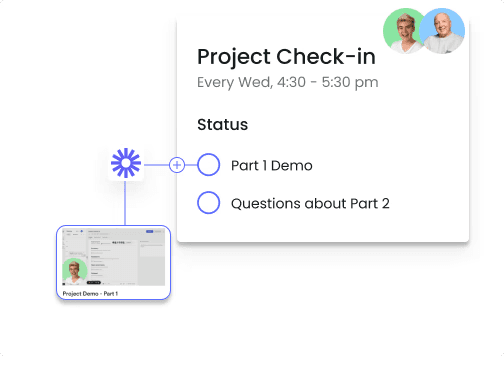
Fellow Loom integration

Works where your teams work

Keep your meeting workflow synced with 50+ Fellow integrations
Confluence

Organize everything in one place by transferring meeting information from Fellow to your pages in Confluence.

Confluence

Organize everything in one place by transferring meeting information from Fellow to your pages in Confluence.

Google Meet AI Note Taker

Fellow records, transcribes, and summarizes your Google Meet calls automatically, with or without a meeting bot. Fellow captures the conversation, assigns action items to the people responsible for them, and syncs action items to 50+ tools.

Google Meet AI Note Taker

Fellow records, transcribes, and summarizes your Google Meet calls automatically, with or without a meeting bot. Fellow captures the conversation, assigns action items to the people responsible for them, and syncs action items to 50+ tools.

Microsoft Teams AI Note Taker

Fellow records, transcribes, and summarizes your Microsoft Teams meetings securely: bot and bot-free recording, automatic transcripts, smart summaries, action item assignment, password-protected recaps, and enterprise compliance (SOC 2, HIPAA, GDPR).

Microsoft Teams AI Note Taker

Fellow records, transcribes, and summarizes your Microsoft Teams meetings securely: bot and bot-free recording, automatic transcripts, smart summaries, action item assignment, password-protected recaps, and enterprise compliance (SOC 2, HIPAA, GDPR).

Notion

Keep your meeting information from Fellow aligned with your deadlines, objectives and notes in Notion.

Notion

Keep your meeting information from Fellow aligned with your deadlines, objectives and notes in Notion.

Frequently asked questions

Never take meeting notes again

Fellow auto-joins your video calls to get you the most accurate transcripts, summaries and action items from your meetings.

Never take meeting notes again

Fellow auto-joins your video calls to get you the most accurate transcripts, summaries and action items from your meetings.

Never take meeting notes again

Fellow auto-joins your video calls to get you the most accurate transcripts, summaries and action items from your meetings.