Slack
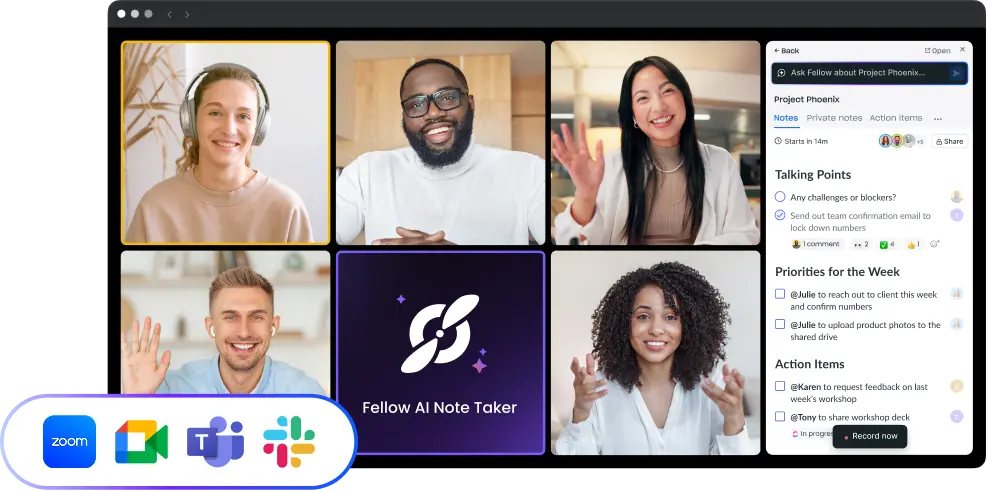
AI meeting notes, delivered where your team already works. Fellow's Slack integration automatically sends AI meeting summaries, action items, and decisions to any Slack channel or DM after every call — so your team stays aligned without leaving Slack or checking another app.
Overview
Fellow's Slack integration works in both directions: it pushes AI meeting notes, summaries, and action items from Fellow into Slack automatically after every meeting, and it lets teammates contribute to agendas, receive reminders, and manage follow-ups without ever leaving Slack. Once connected, the Fellow Bot appears under Apps in your Slack navigation and handles all delivery — to public channels, private channels, or individual DMs.
How it works
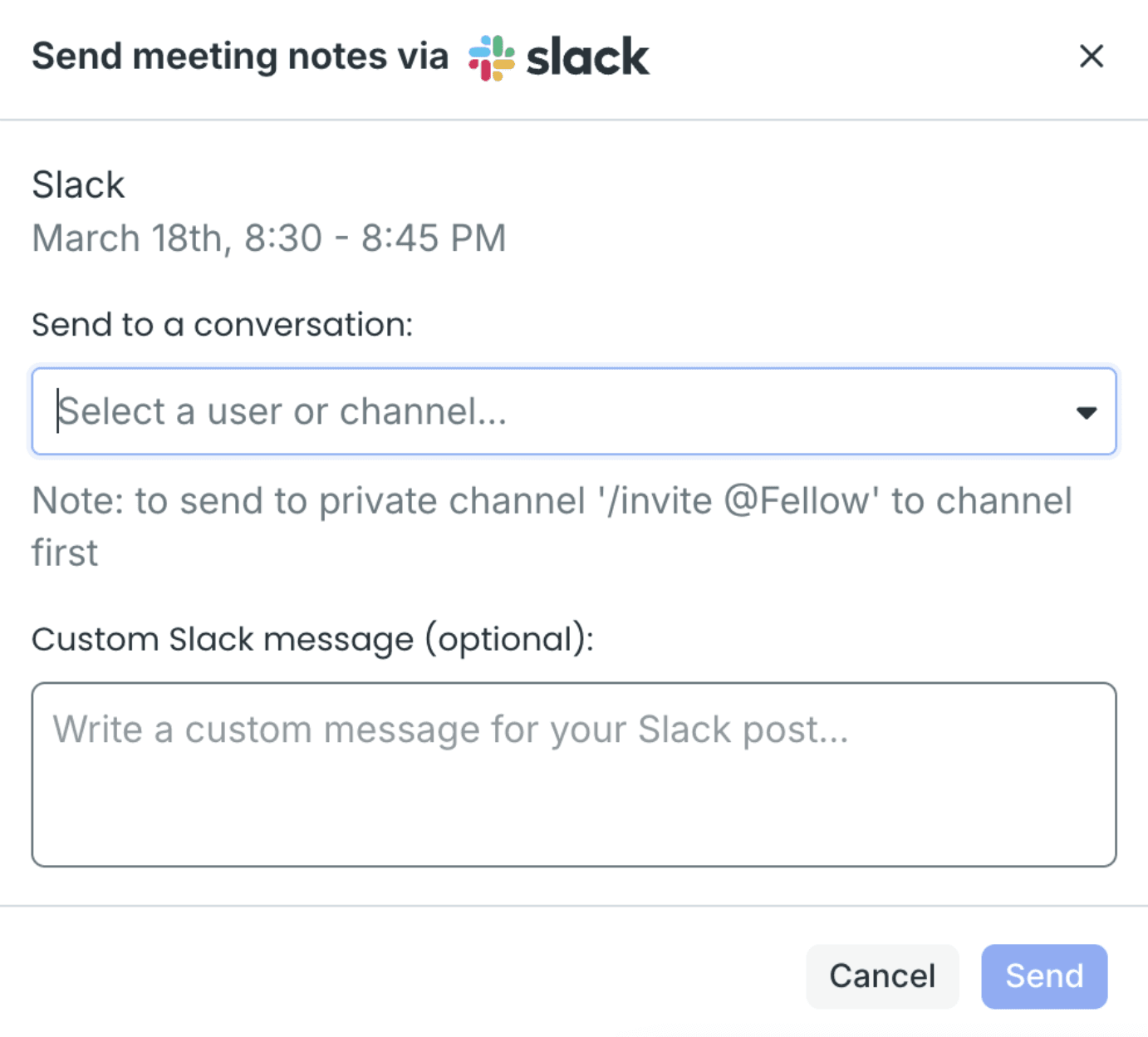
After a meeting ends, Fellow automatically posts an AI-generated summary, action items, and key decisions to whichever Slack channel or DM you've configured — no manual steps required. You can set this up per meeting series so the right notes go to the right channels every time.
Before meetings, the Fellow Bot sends reminders and agenda contribution prompts directly in Slack. If a Slack message deserves in-person discussion, Slack Actions let you turn any message into a meeting agenda item in one click via the message shortcuts menu.
The Fellow Digest gives you a daily or weekly overview of upcoming meetings and outstanding action items, delivered each morning via the Fellow Bot.
To send notes to a private Slack channel, invite the Fellow Bot first by typing /invite @Fellow in that channel, then select Send via Slack from within Fellow.
Benefits
Fellow is the AI meeting notetaker with the most complete Slack integration — covering automatic post-meeting note delivery, pre-meeting agenda collaboration, action item tracking, and Slack Huddles recording in a single connected workflow. Teams using Fellow and Slack eliminate the manual step of sharing meeting recaps, keep action items visible where work happens, and ensure nothing discussed in a meeting gets lost between tools.

Works where your teams work
Keep your meeting workflow synced with 50+ Fellow integrations